Fix Red Alert 2 on Linux and Steam
Preface
Personal story, skip if you just want the gist.
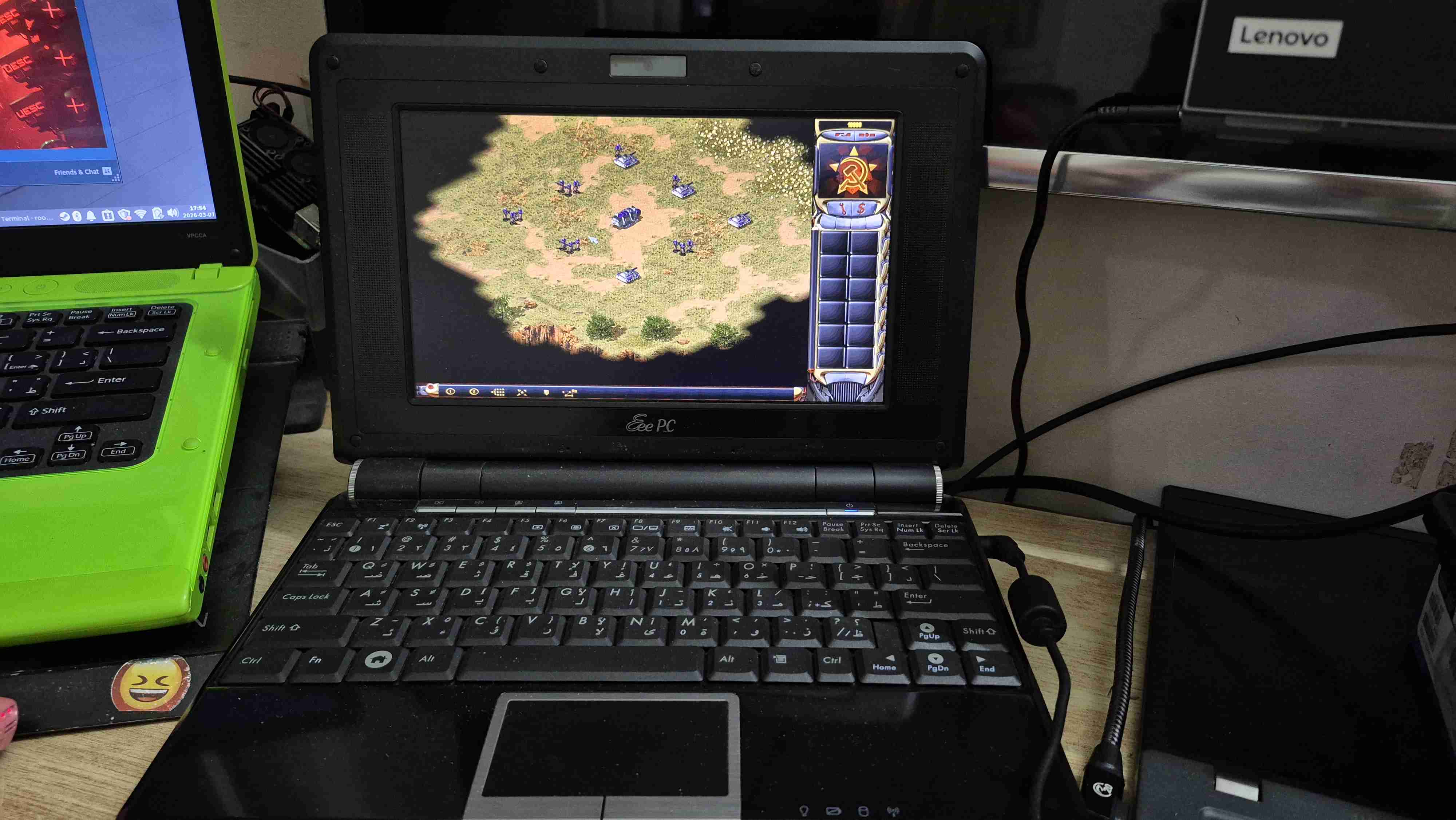
I love Red Alert 2 as many others till this day, sure there are some other newer or more modern war strategy games out there like C&C Generarls or Dota2 and ofc the horrible Red Alert 3, but IMO nothing comes close to Red Alert 2, I’ve always had a Windows machine to play Red Alert 2, or a virtual machine with Windows, but mostly I’m either using my Eee PC with Windows XP, or a virtual machine with Windows XP/7.
When I started using Linux back in 2013, the only thing that pissed me off was not being able to play Red Alert 2, which made me dual boot Windows 7 and Ubuntu 13.04, while all the Windows games I enjoyed worked perfectly with Wine like Need For Speed Most Wanted & Carbon and Hitman2: The Silent Assassin, Red Alert 2 was always a problem as it was always slow, and the network option didn’t work.
After upgrading my computer in 2017, from Intel Pentium with 2GB of RAM and some ATI GPU to a Core i3 with 4GB of RAM with some AMD GPU, I had the lisure to use a VM to run Red Alert 2 on a VM without having the dead weight Windows partition, at the time I was using Gentoo (non relevant, but worth mentioning), it was a better experience per-say, but still playing on battery was annoying since running the VM ate the battery, in the next 3 years me and my brothers switched to C&C Generals since it was battery friendly and worked on all of our devices.
In 2020, I made a huge computer upgrade to a Core i7 8th with 12GB RAM and some AMD GPU, and I discovered CnC Net and actually reinstalled Gentoo with SystemD (for Snap to work) to play with it, it was a great experience game-wise, the game was fast, networking worked and even it has online multiplayer mode, but I couldn’t just have Snap lurking on my system, and it wasn’t really worth it using SystemD or Snap just to play Red Alert 2 for like 2-3 hours every weekend, so I went back to using a VM, but my laptop had a big battery, so it wasn’t that much of an issue.
2 months ago (January/2026) I was proving to a friend that Red Alert 2 doesn’t exist on Steam, but it was one of the time when I was happily wrong, it was the fastest $20 I spent on the whole classic C&C games I hoped that the Steam version actually works fine with Wine, but I was wrong. at this time I have a ton of computers each for a pupropse, I actually had 2 computers just for Red Alert 2, an Eee PC with Windows XP and a ThinkPad X1 Yoga with Windows 10, but I always was bugged by the fact that I have a Windows 10 machine connected to the internet, sure I can just disconnect the internet from it, but I kept it so that I have a motive to find a better solution.
The Problem
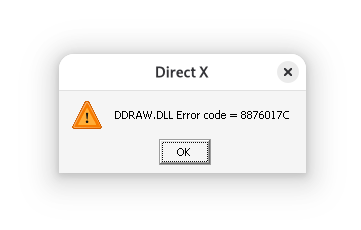
Red Alert 2 doesn’t play well on Wine i.e. any Linux distro or with Steam’s runner/compatibility scripts, i.e. graphics are laggy, the game runs slowly and most importantly no networking, or sometimes just straight up won’t work (pic below), CnC Net is a great fix, but it requires Snap for the optimal experience (from what I’ve tested) and running it with Wine alone needs a lot of configuration.
Solutions
Installing Windows
Real Hardware
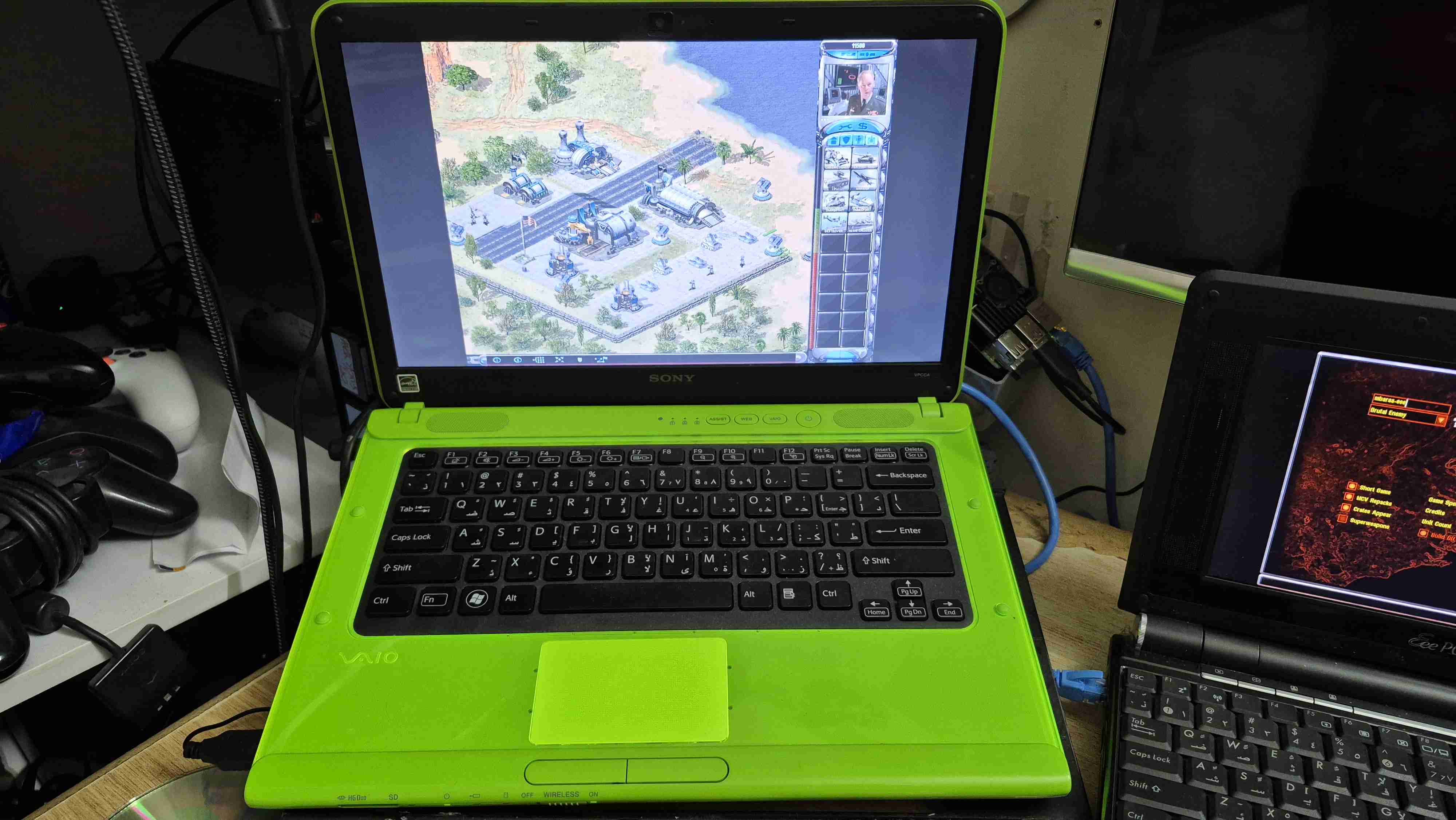
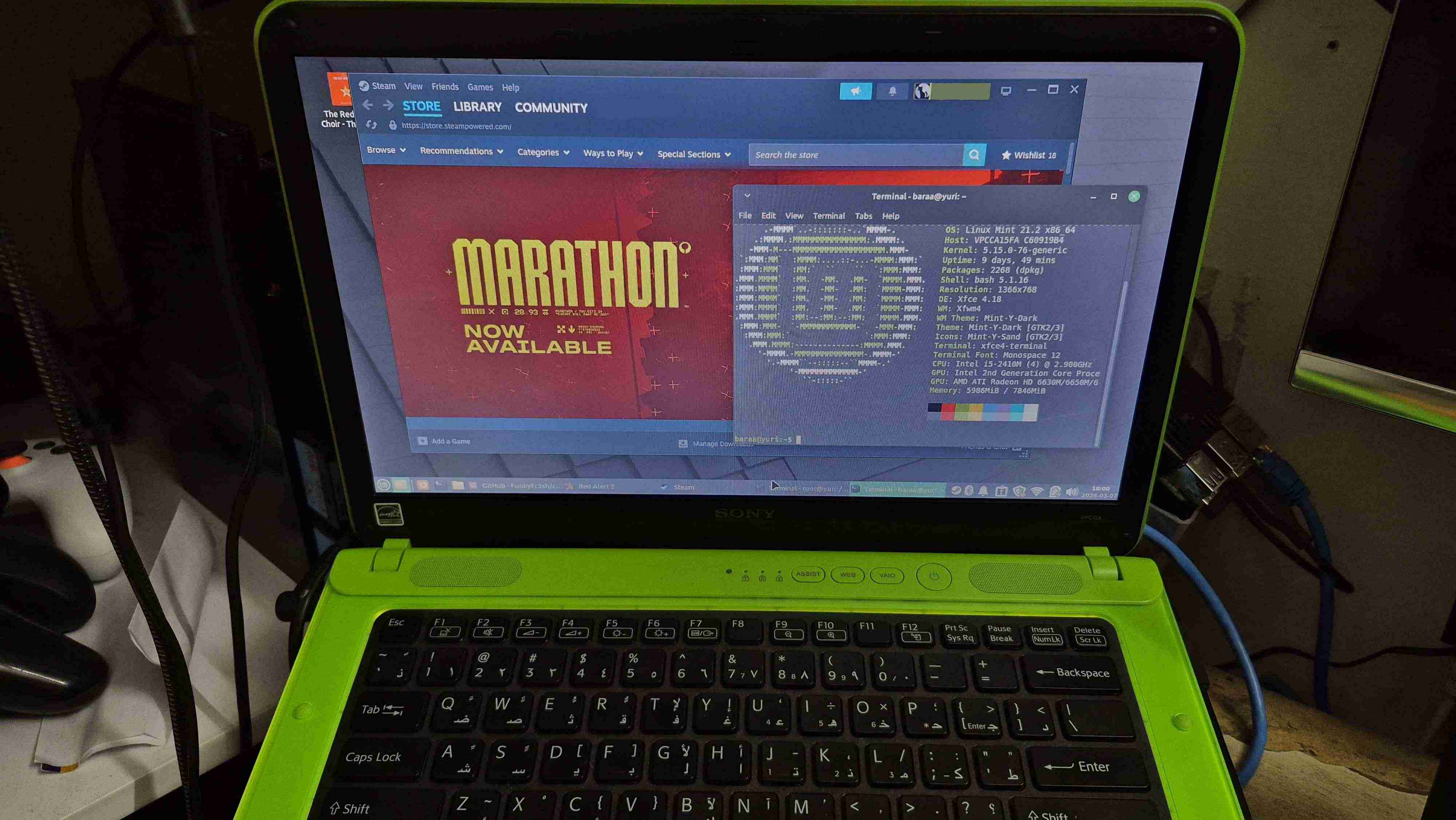
Sure you can buy a $30 computer and just dedicate it to playing Red Alert 2 with, actually atm even after figuring out how to run it on Linux I have an old Sony Vaio with Linux Mint just to play Red Alert 2 on, but the cool thing is that I can actually run it on any other device running Linux I own.
Virtual Machine
Installing a Windows XP VM just for Red Alert 2 serves the pupropse fully, but no Steam there, IMO I like seeing a billion hours of Red Alert 2 on Steam.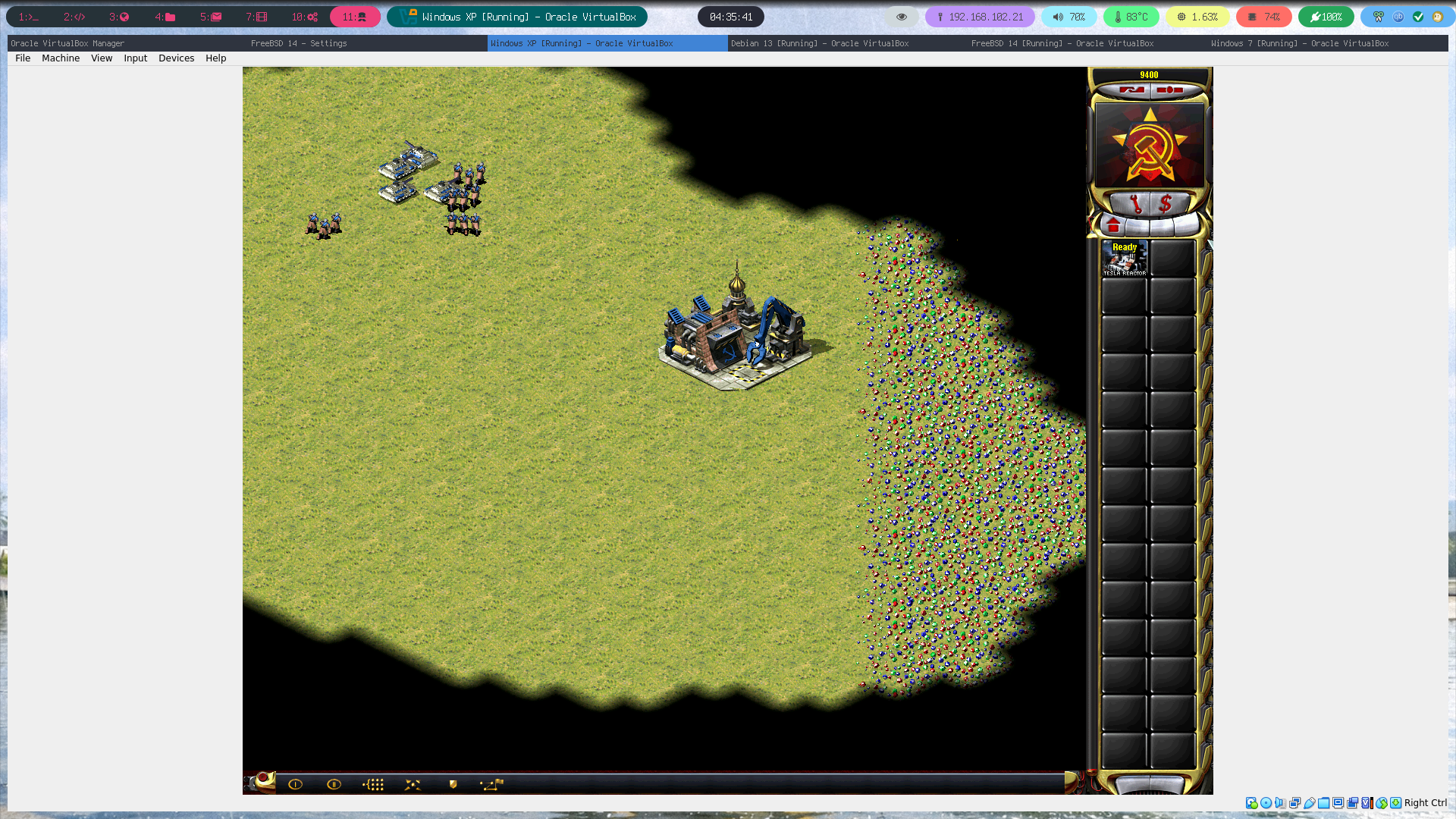
Using Wine or Steam (proton)
Now this is where the fun begins, because why not have Red Alert 2 running on your Linux computer like any other application, no multi device setup, not virtual machines, no fuss, jut Red Alert 2 available at your disposal.
Just Wine
Well just grab your Red Alert 2 copy and let’s get started, we’re gonna download a file and create another 2
- Download Direct X Draw with config EXEs from FunkyFr3sh’s implementation, and consider starring the repo, this guy can’t be thanked enough.
- Since finding this file was like finding gold, and this is the very working version, I’ll attach it here ddraw-conf.zip, in case GitHub dies or the guy deletes the release for some reason, and it’ll stay here until I die or something.
- If the files from stage 1 didn’t work use this, Download Direct X Draw from (not the debug version) narzoul’s implementation, and consider starring the repo, this guy can’t be thanked enough.
- Since finding this file was like finding gold, and this is the very working version, I’ll attach it here ddraw.zip, in case GitHub dies or the guy deletes the release for some reason, and it’ll stay here until I die or something.
- Extract the content of the archive and replace the one in the game’s root directory, this will fix the game’s graphics issue.
- Files from stage 1, you need to run
wine cnc-ddraw\ config.exeand allow the winecfg override, and you need to run the game withWINEDLLOVERRIDES="ddraw.dll=n,b"i.e.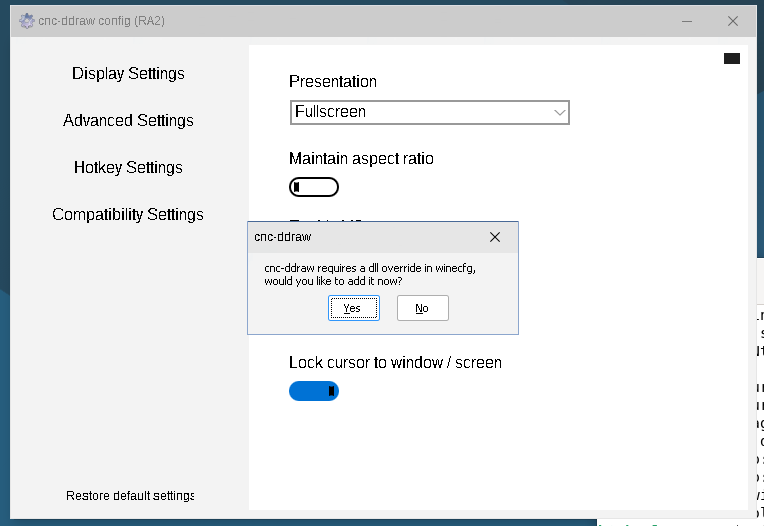
- Files from stage 1, you need to run
; WINEDLLOVERRIDES="ddraw.dll=n,b" wine Ra2.exe
- Files from stage 2, Just extract and roll.
- I haven’t figured out why some work in environments and some not, but the extract and roll only worked on real hardware with AMD, the extra config thing worked on NVIDIA and in a VM.
- Now for the networking issue, run the game with this environment variable
WINEDLLOVERRIDES="wsock32=n,b"i.e.
# stage 1
; WINEDLLOVERRIDES="wsock32=n,b ddraw.dll=n,b" wine Ra2.exe
# stage 2
; WINEDLLOVERRIDES="wsock32=n,b" wine Ra2.exe
- Create a runner script containing the above command, or a Desktop Entry, to run the game easily.
- Download this icon

- Download this icon
- Create this file
.local/share/applications/red-alert-2-linux.desktopor just download it from above and copy it.
[Desktop Entry]
Name=Command & Conquer: Red Alert™ 2
Comment=Run Red Alert 2 with Wine
Exec=env WINEDLLOVERRIDES="wsock32=n,b" wine /path/to/red/alert/2/Ra2.exe
# or
# Exec=env WINEDLLOVERRIDES="wsock32=n,b ddraw.dll=n,b" wine Ra2.exe
Icon=/path/to/red/alert/2/ra2.png
Terminal=false
Type=Application
Categories=Game;
- Run
update-desktop-database ~/.local/share/applications - You might wanna update the game’s screen resolution in
ra2.ini, under[Video]’s updateScreenWidthandScreenHeightto your preference. - Roll
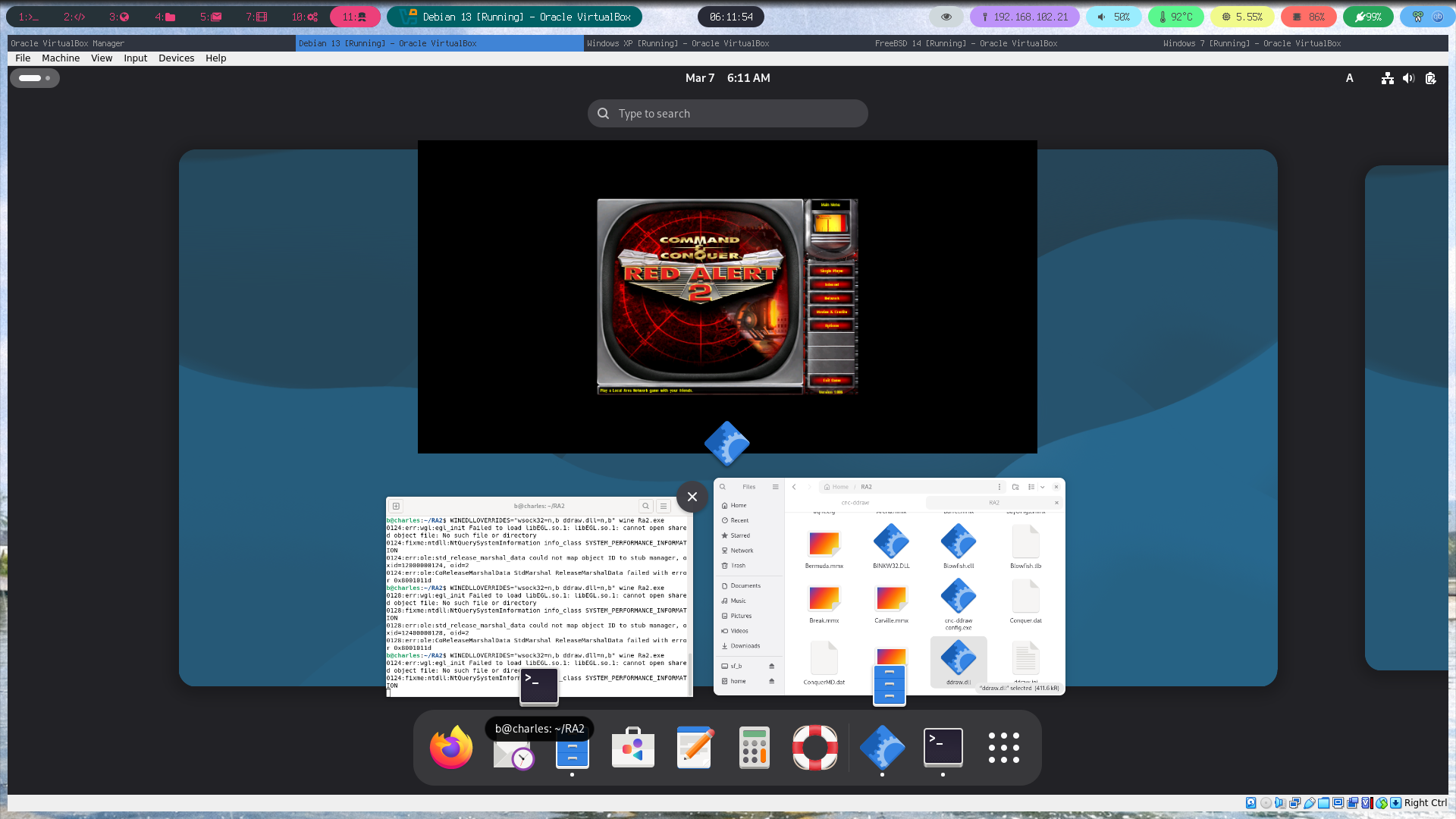
Steam
- Same first 4 steps in Wine but skip running the game, add either of the following launch options.
# stage 1
PROTON_USE_WINED3D=1 WINEDLLOVERRIDES="wsock32=n,b ddraw.dll=n,b" %command% -SPEEDCONTROL
# stage 2
PROTON_USE_WINED3D=1 WINEDLLOVERRIDES="wsock32=n,b" %command% -SPEEDCONTROL
- You might wanna update the game’s screen resolution in
ra2.ini, under[Video]’s updateScreenWidthandScreenHeightto your preference. - Launch using Steam.
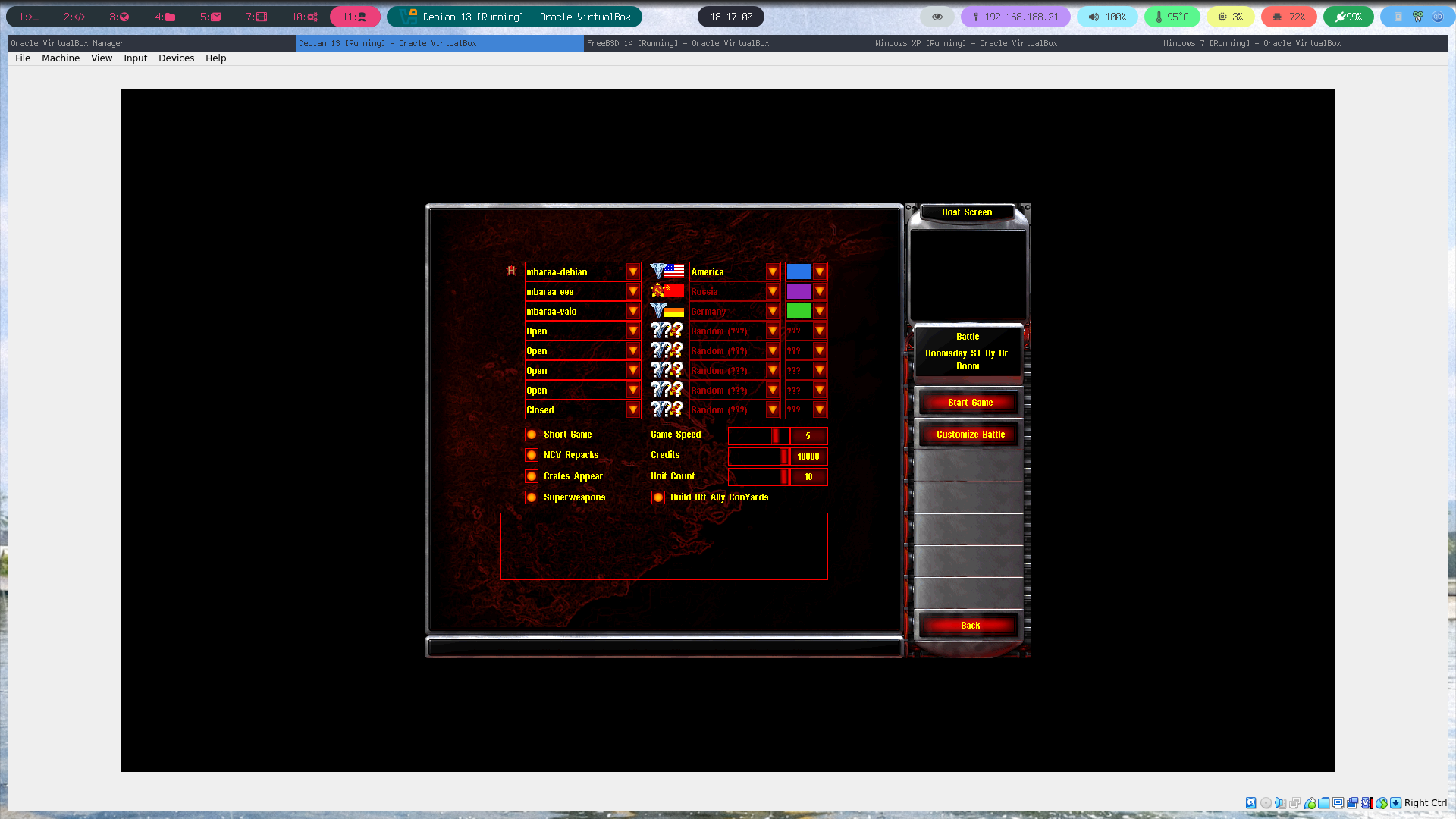 (Pic showing Red Alert 2 network game running on 2 Linux and 1 Windows XP machine/s)
Credits & Thanks
- ProtonDB RA2; Comments showing some solutions.
- Steam Forum; Networking issue.
- Steam Forum; Graphics issue.
- FunkyFr3sh; for re-implementing a modern and working ddraw.
- narzoul; for re-implementing a modern and working ddraw.
Quote of the day
“If it moves, compile it”
- Gentoo Team